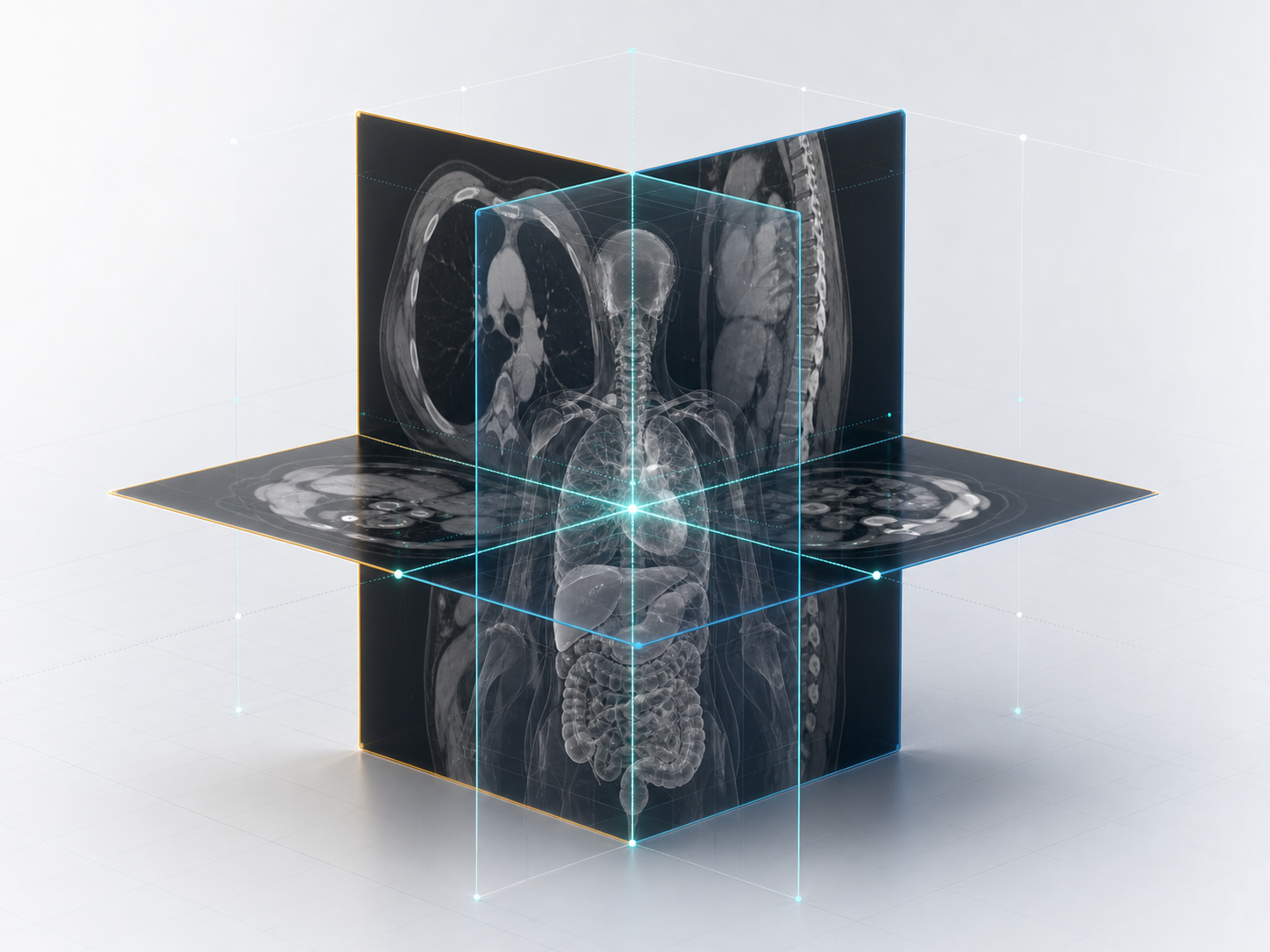
Local DICOM import
Open local study data directly in a desktop workflow.
Local medical imaging workspace
Browse local DICOM studies, review series, annotate measurements, inspect segmentation results, and view MPR and 3D structures.
Overview
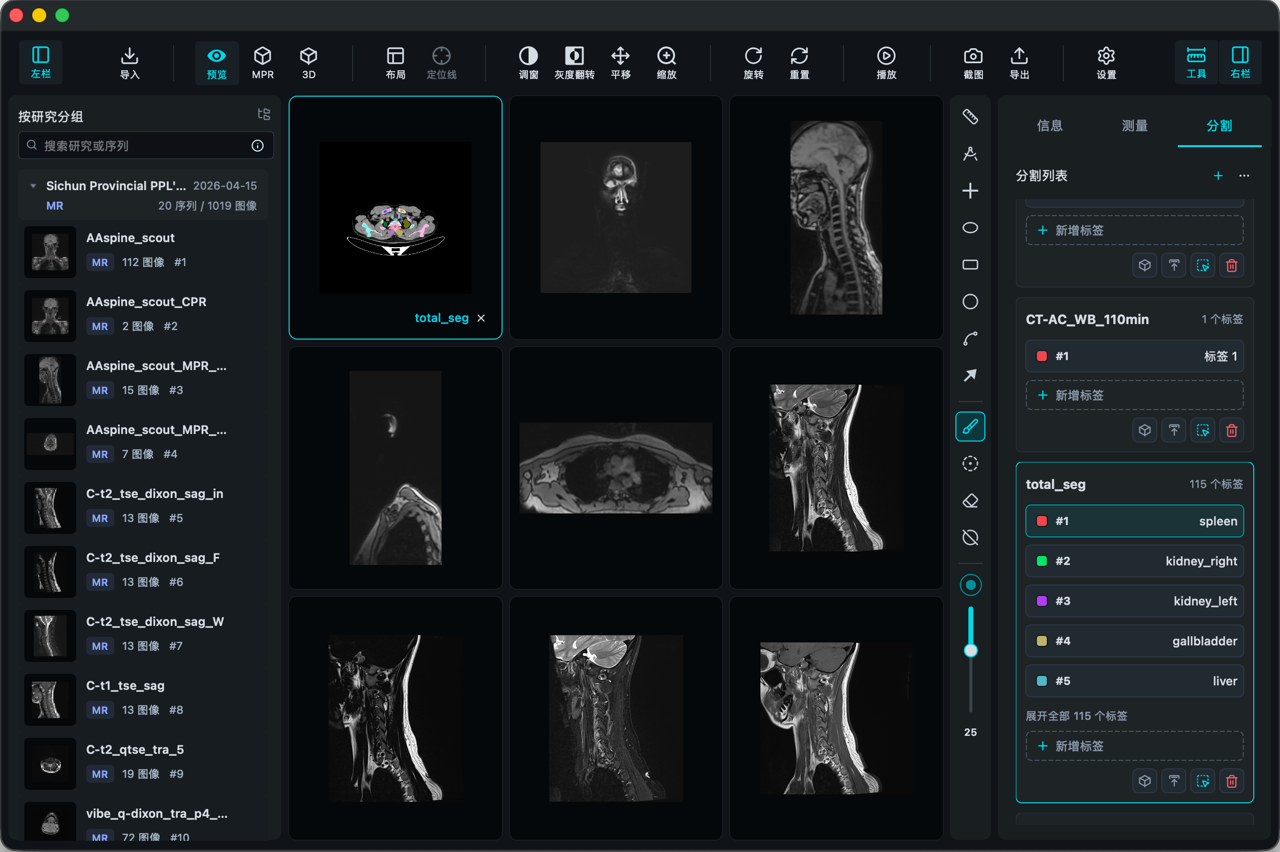
VisoRay organizes local DICOM import, series browsing, view adjustment, measurement, and spatial review into a single desktop workflow for routine local image review.
Open local study data directly in a desktop workflow.
Navigate studies, series, and image stacks with a clear local hierarchy.
Adjust viewing parameters with zoom and pan for routine review.
Create basic measurements in slice view and keep readable records.
Compare structures across multiple planes with positioning guides.
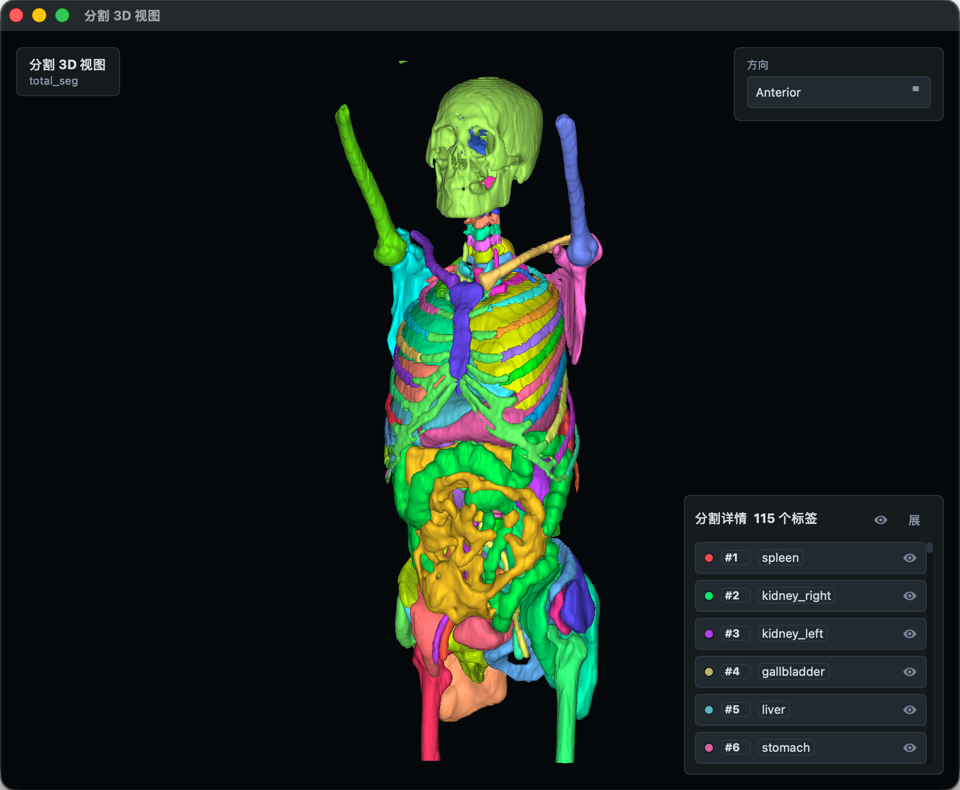
Overlay segmentation labels and inspect structure outlines in 3D.
Data support
VisoRay is built for local DICOM browsing across common medical imaging modalities. Segmentation results can be imported and exported as NIfTI (.nii / .nii.gz), and series or measurement records can be kept as local notes.
Measurement
Built-in tools cover length, angle, bidirectional diameter, circle, ellipse, rectangle, contour ROI, and arrow annotation. Measurement results can be kept as records for review and positioning.
MPR
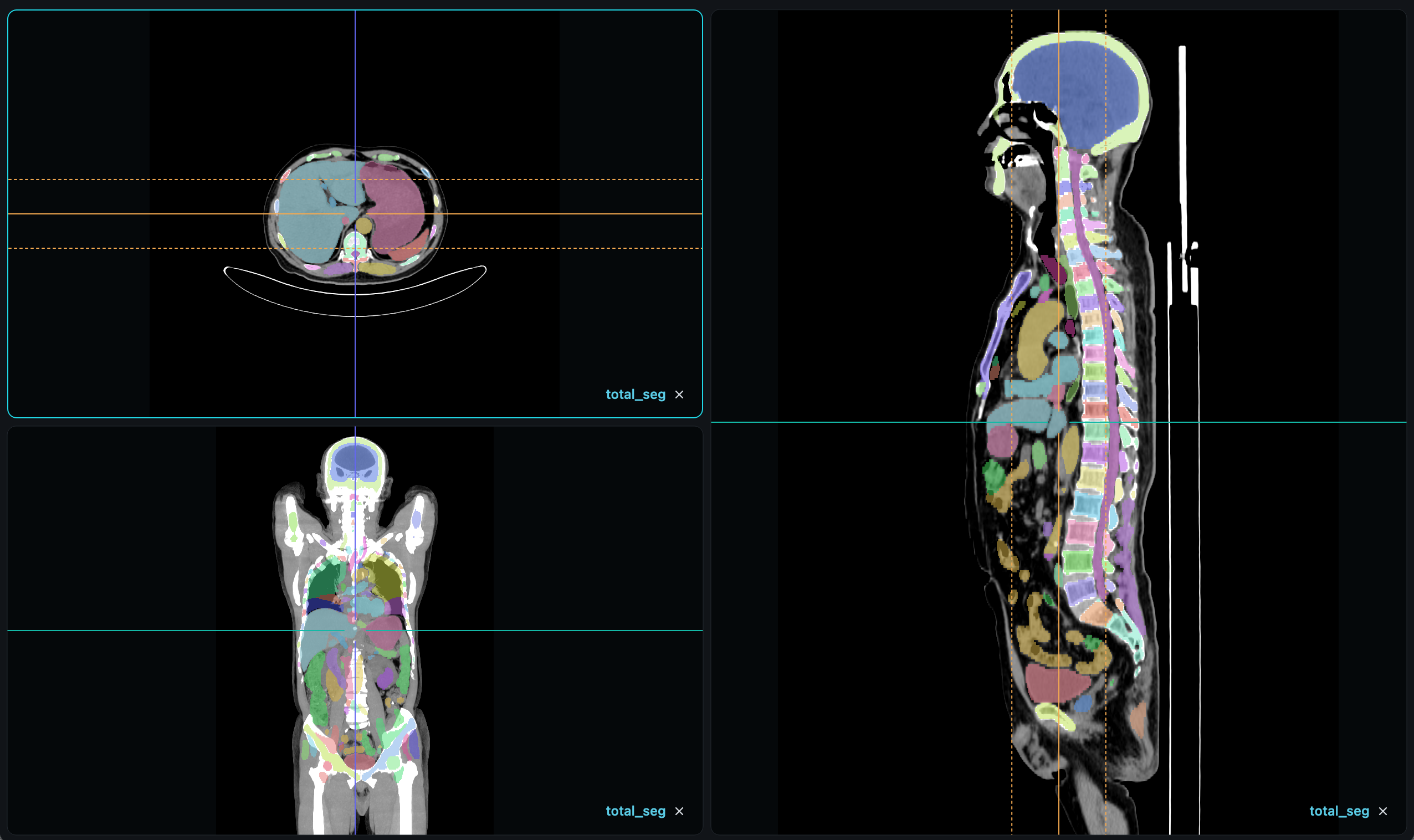
MPR mode provides multiple directional views for one series and can show positioning lines to compare structure locations across slices.
Segmentation and 3D
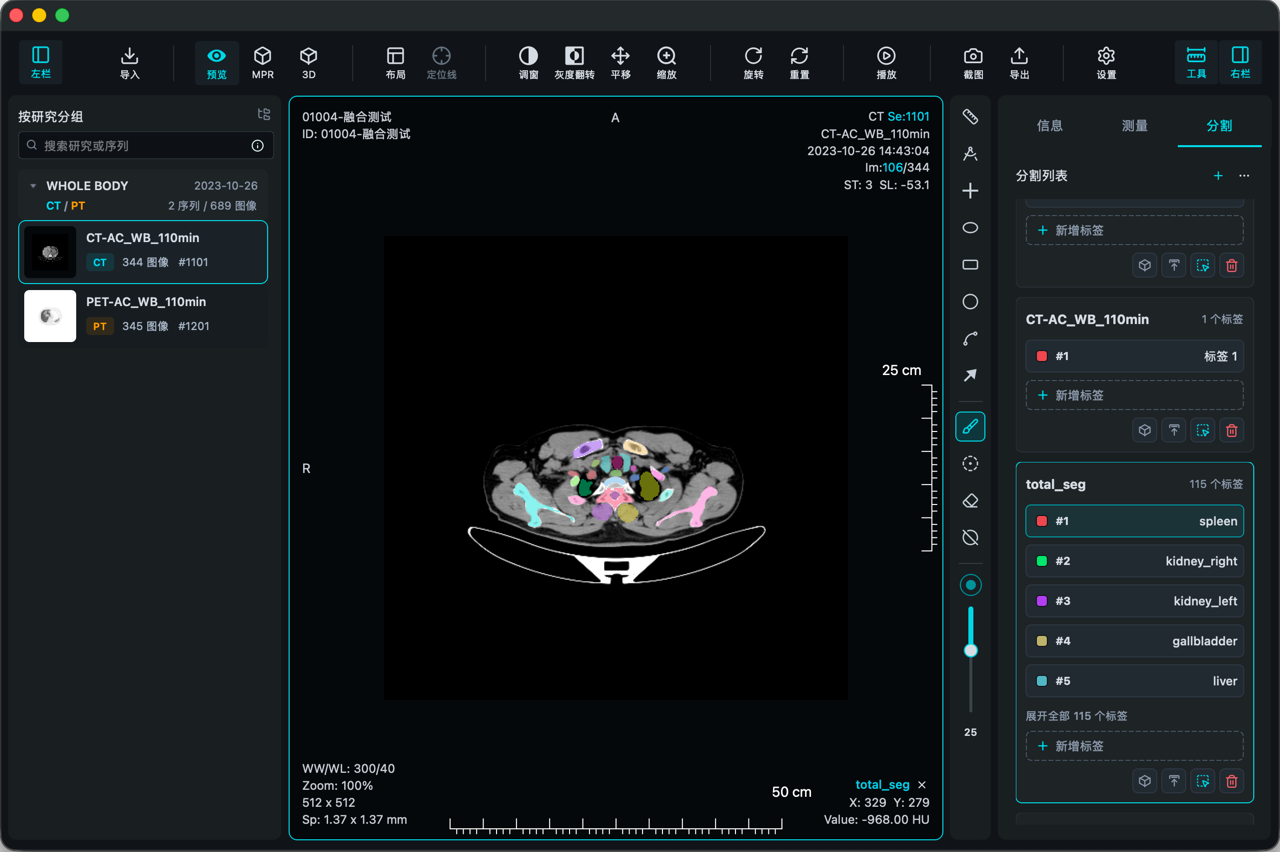
Segmentation labels can be overlaid on image slices, and 3D view helps inspect structure outlines from a spatial perspective.
Download
Choose the installer for your current device and use the local medical imaging workspace on Windows or macOS.
Windows installer is being prepared.
Coming soonInstaller for macOS desktop environments.
Download